The story behind the rebuild
We started SmartSize with a simple idea: help Shopify stores reduce returns by guiding shoppers to the right size. That mission has not changed. But the product needed to change.
We spent the last months rethinking every part of the app. How merchants set up their sizing. How shoppers use the quiz. How the app calculates recommendations. We did not patch the old version. We started over.
One question guided us: what does a shopper need in the ten seconds before they pick a size? Not more data. Not a bigger chart. They need confidence. They need to feel sure they chose the right size.
Everything in the new SmartSize is built for that moment.
What changed
In short, the rebuilt SmartSize adds:
- A visual fit map that shows how each size fits the shopper’s body
- A personalized size chart with the shopper’s measurements shown on it
- AI that turns a size chart image into structured data automatically
- A size recommendation quiz that takes about 30 seconds
- A mobile-first design
- Automatic translation into 26 languages
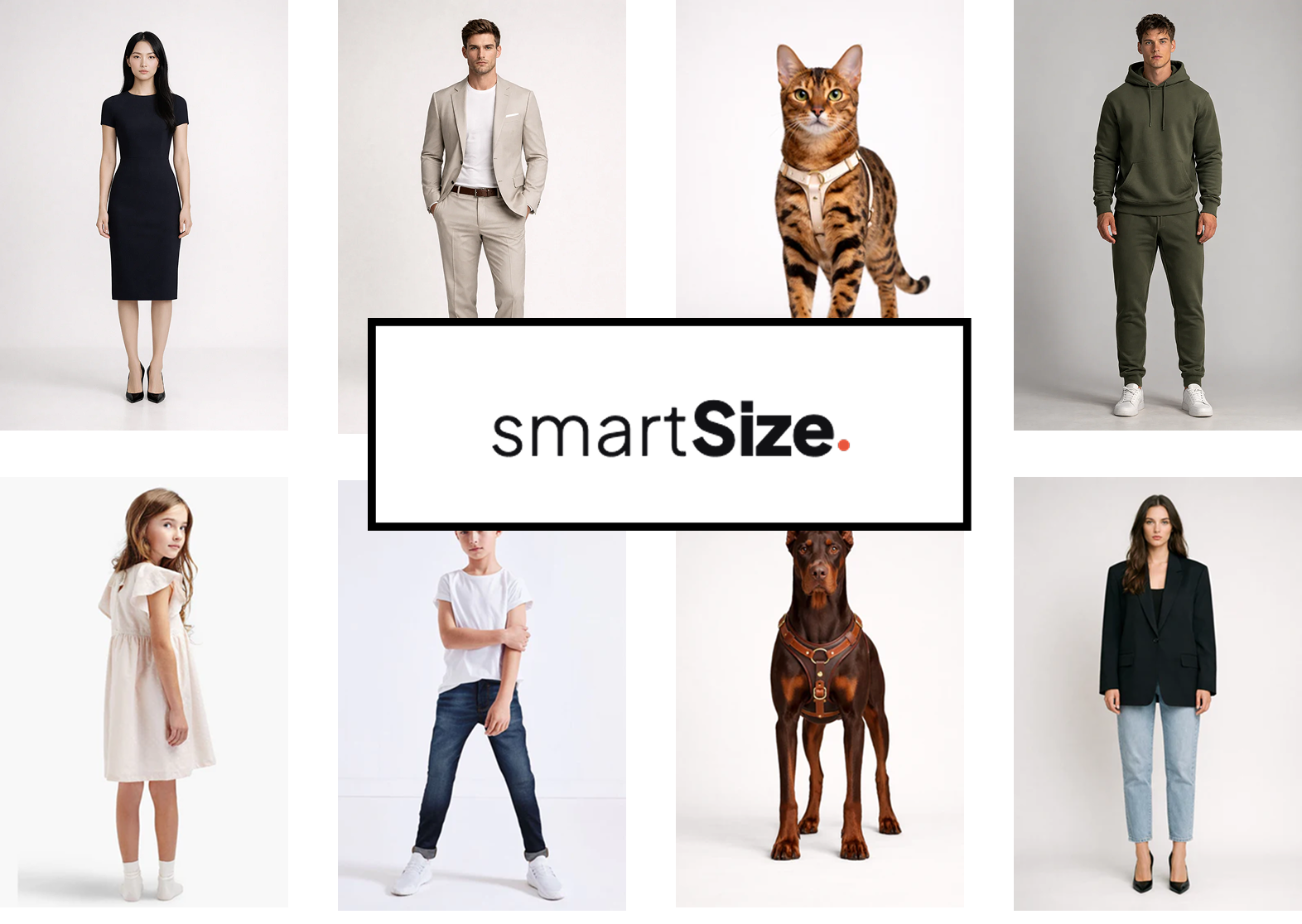
- Support for more product types: clothing, lingerie, swimwear, shoes, tailored garments, and pet accessories
- The Built for Shopify badge
- Setup in about 5 minutes, with no code
- Style isolation through a Shadow DOM, so it works with every theme
- A JavaScript API for custom integrations
The sections below explain each change.
Shoppers see how every size fits — visually
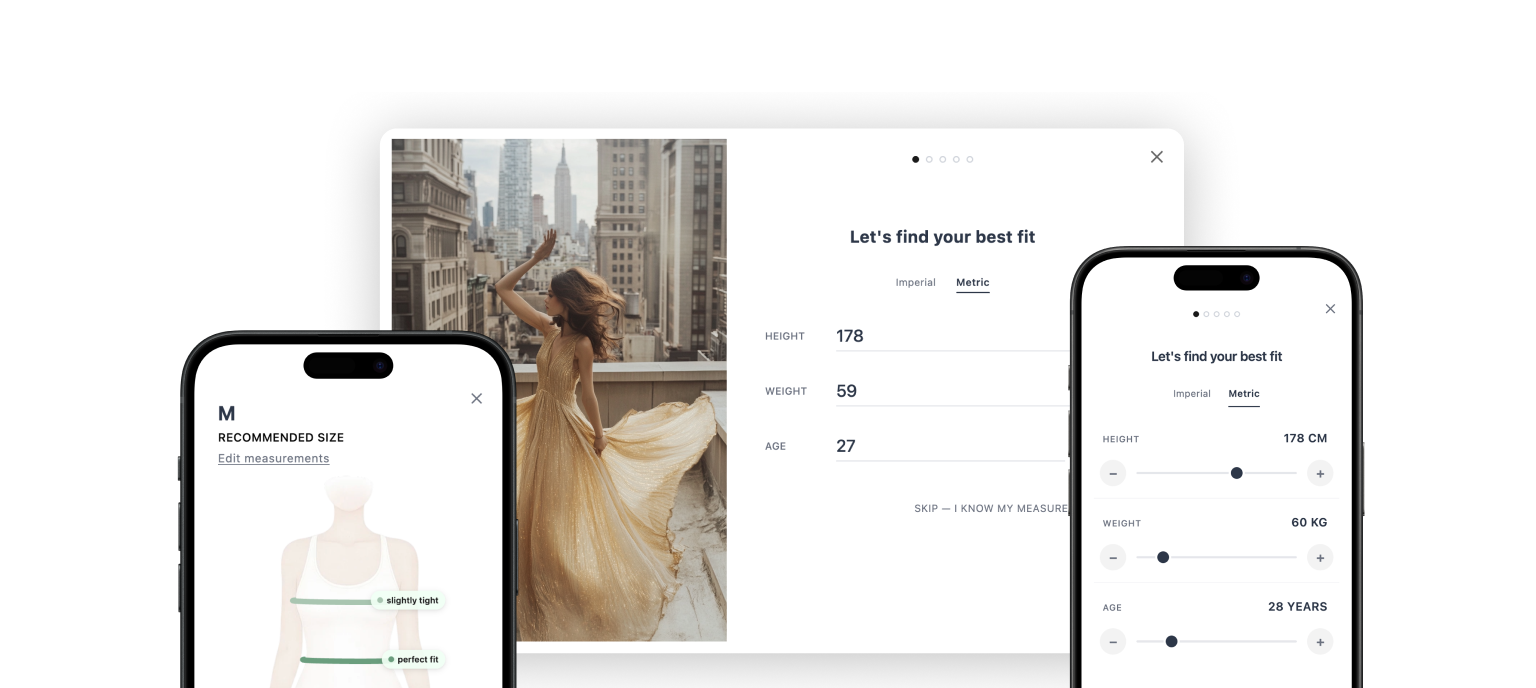
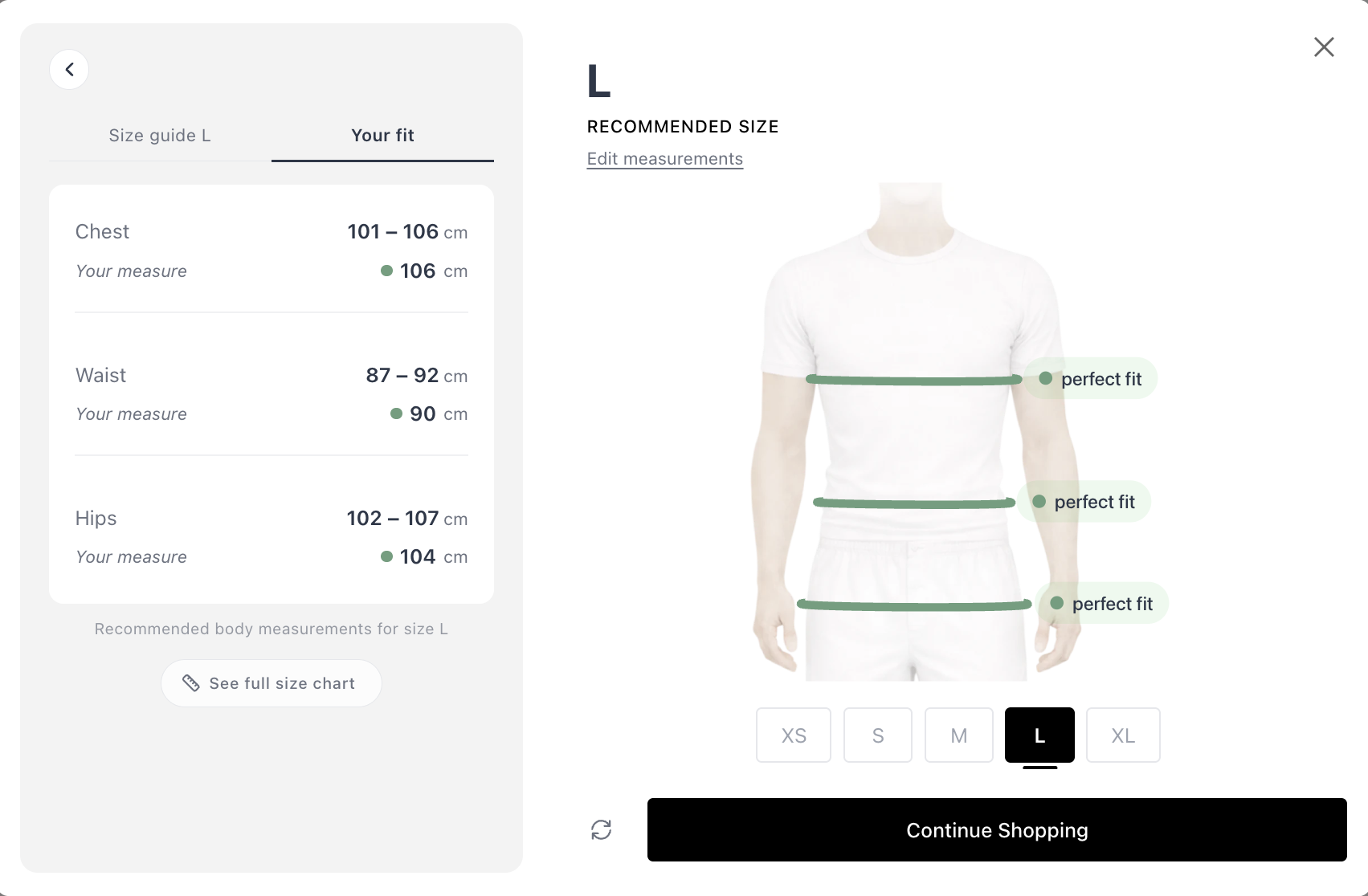
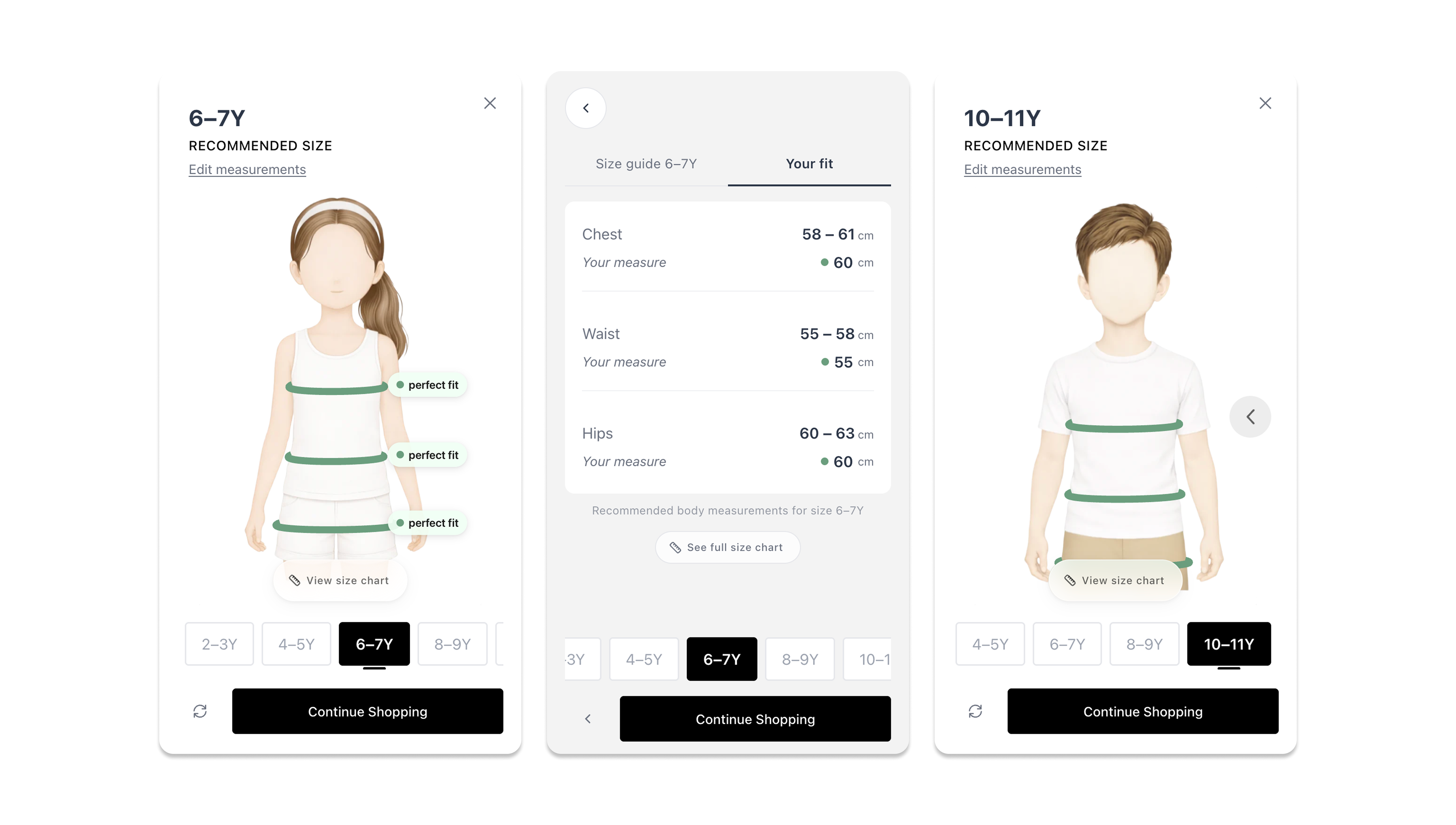
This is the biggest change. When a shopper completes the quiz, they see more than “you are a Medium.” They see an interactive fit map. It shows how each size sits on their body: where it is tight, where it is loose, and where it is in between.
Shoppers can also view other sizes and compare them. They decide based on what they see, not on a guess.
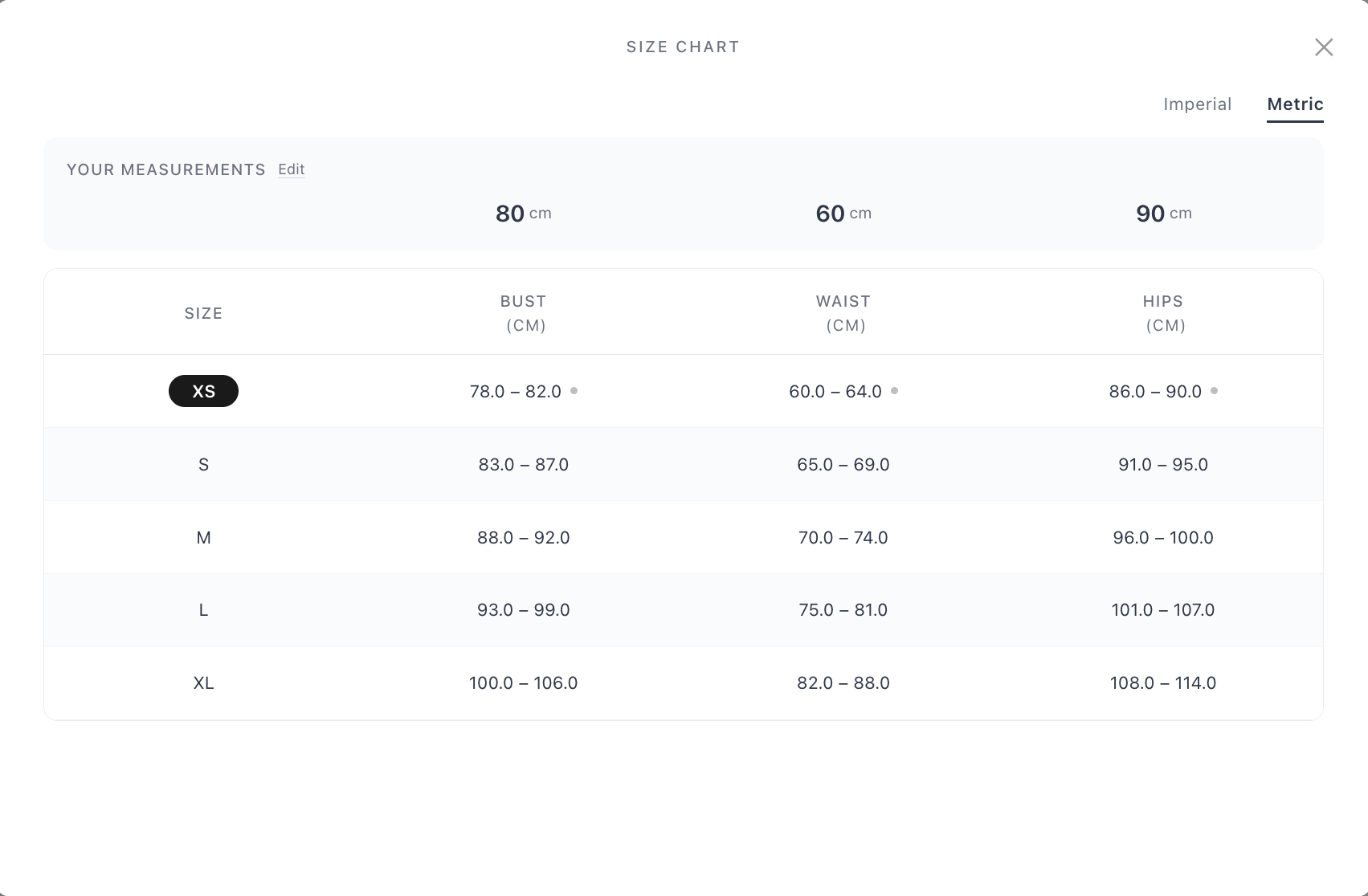
The full size chart becomes personal too. Shoppers see their own measurements placed on your size table, with the recommended size highlighted.
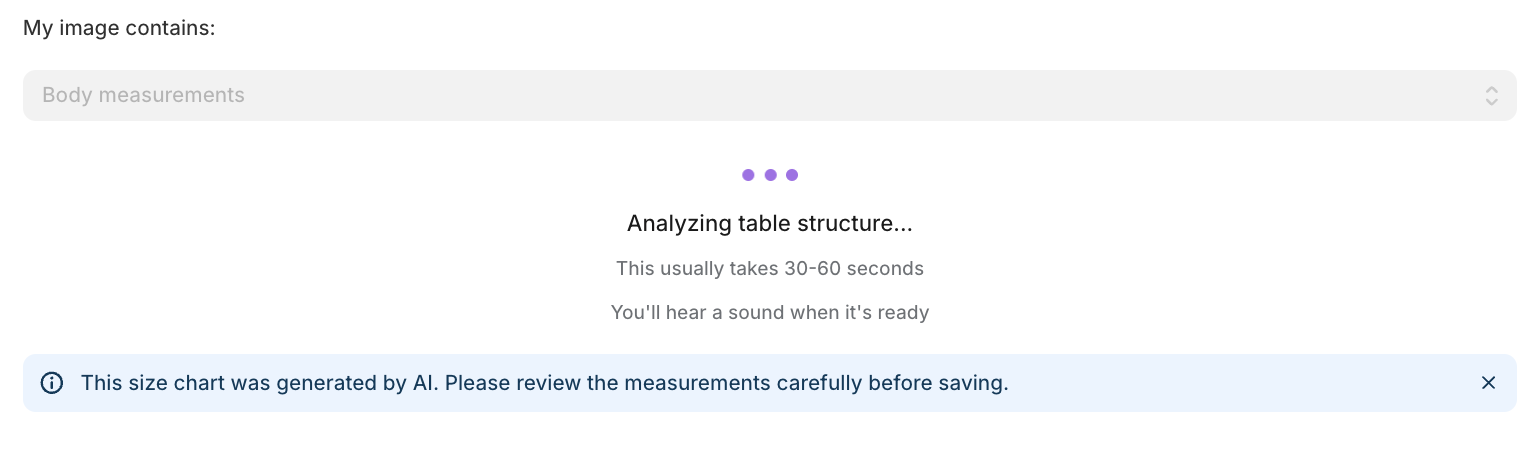
Upload a size chart image. AI formats it instantly.
Before, setting up sizing data meant copying numbers into a spreadsheet, row by row. Now you take a photo of a brand’s size chart, or a screenshot from a supplier’s PDF, and upload it to SmartSize. The AI reads the image, extracts the measurements, and structures the data automatically.
No manual entry. No formatting. It is done in seconds.
A size recommendation in 30 seconds
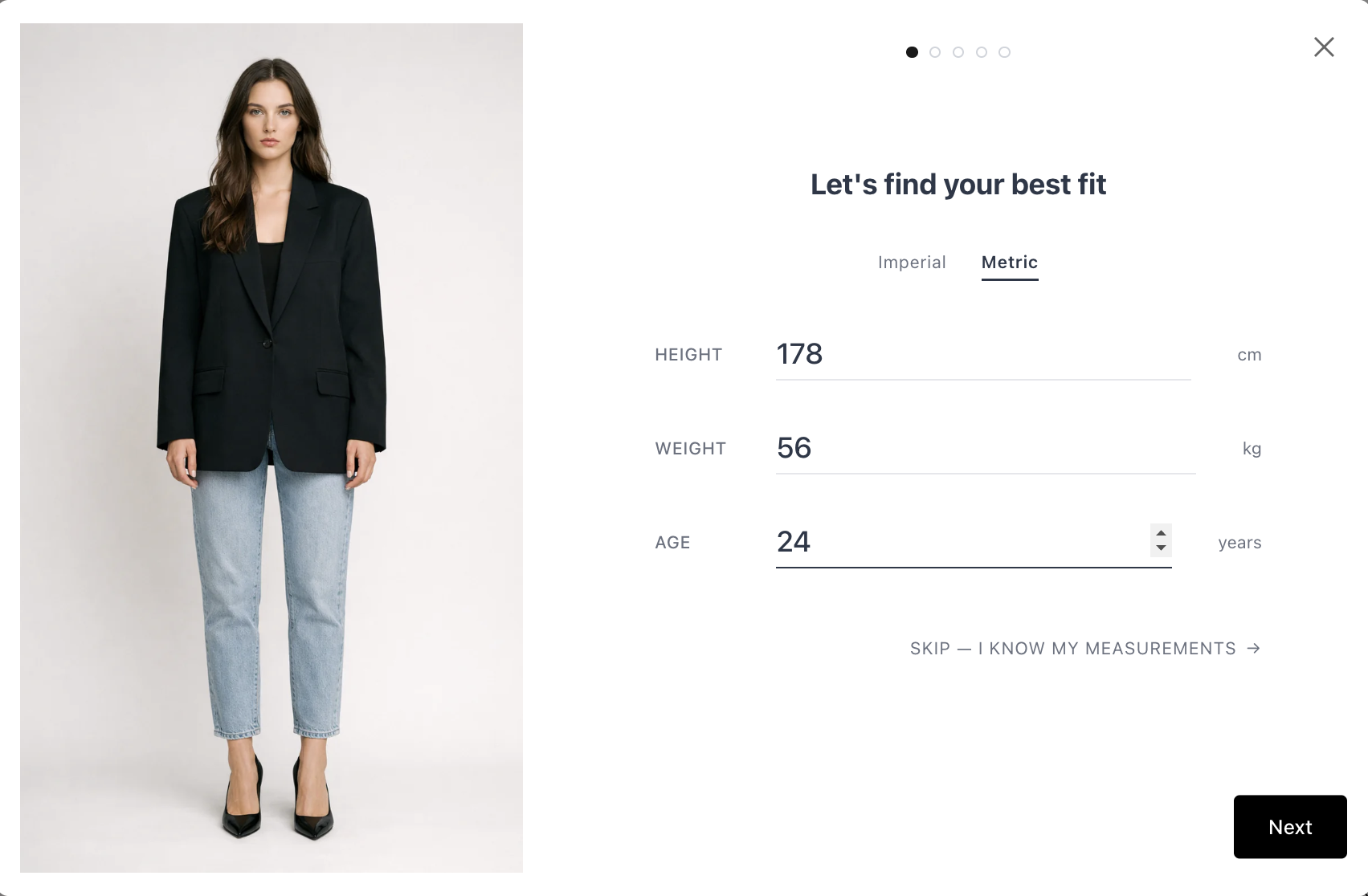
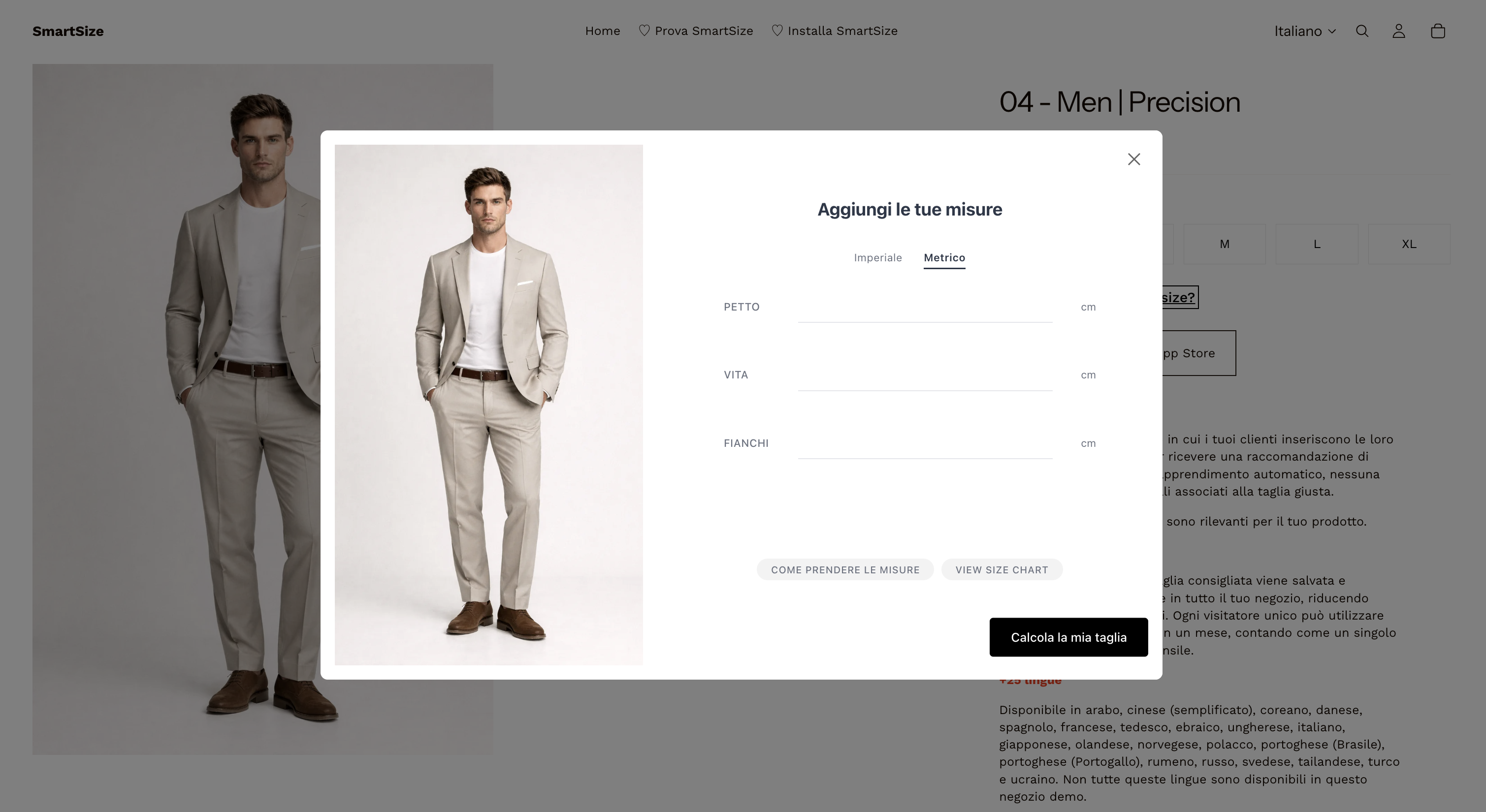
The quiz asks for basic information: height, weight, and body shape. If you want more precision, you can switch the quiz to exact measurements instead. You choose this in the dashboard.
Either way, shoppers get a clear size recommendation without needing a tape measure.
Designed for mobile first
Over 70% of shoppers browse on their phone. We built the quiz mobile-first from day one. It has large touch targets, a fluid layout, and fast transitions. It feels native on any store and any screen size.
26 languages, detected automatically
The quiz detects the store’s selected language and switches automatically. You do not need to configure anything. French shoppers see French. Japanese shoppers see Japanese. SmartSize supports 26 languages by default.
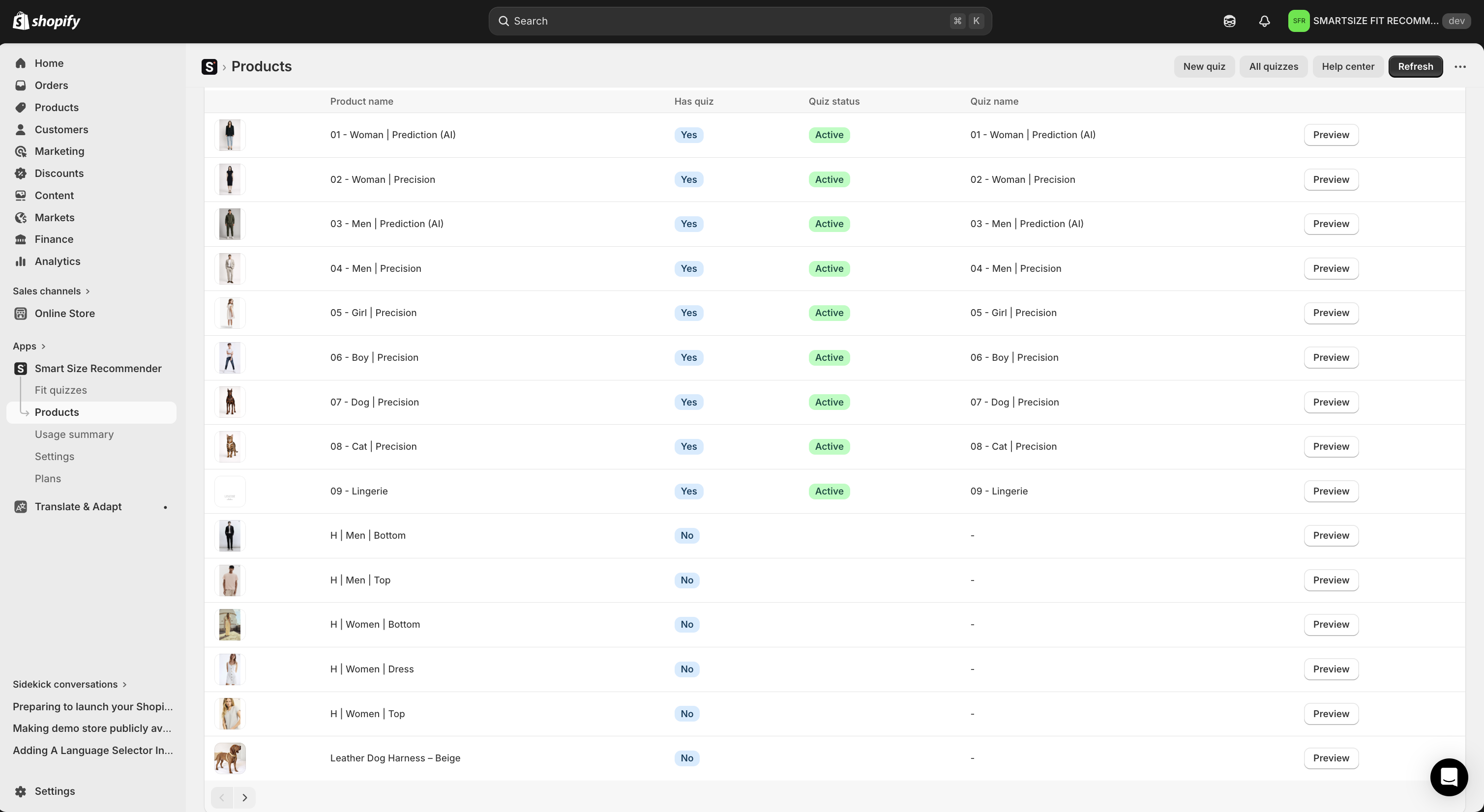
More than T-shirts
The previous version focused on basic apparel. The new SmartSize covers clothing, lingerie, swimwear, shoes, tailored garments, and pet accessories. If the product comes in sizes, we likely support it.
One note: SmartSize is built for sized products only. If you sell electronics or home goods, this app is not for you. We prefer to be great at one thing instead of average at everything.
Built for Shopify — and listed on the Shopify App Store
SmartSize earned the Built for Shopify badge. This is Shopify’s top quality recognition for apps that meet the highest standards for storefront performance, admin performance, integration, and merchant experience. In practice, this means a fast, native-feeling admin, no theme code to maintain, and the latest Shopify APIs.
Live on your Shopify store in 5 minutes
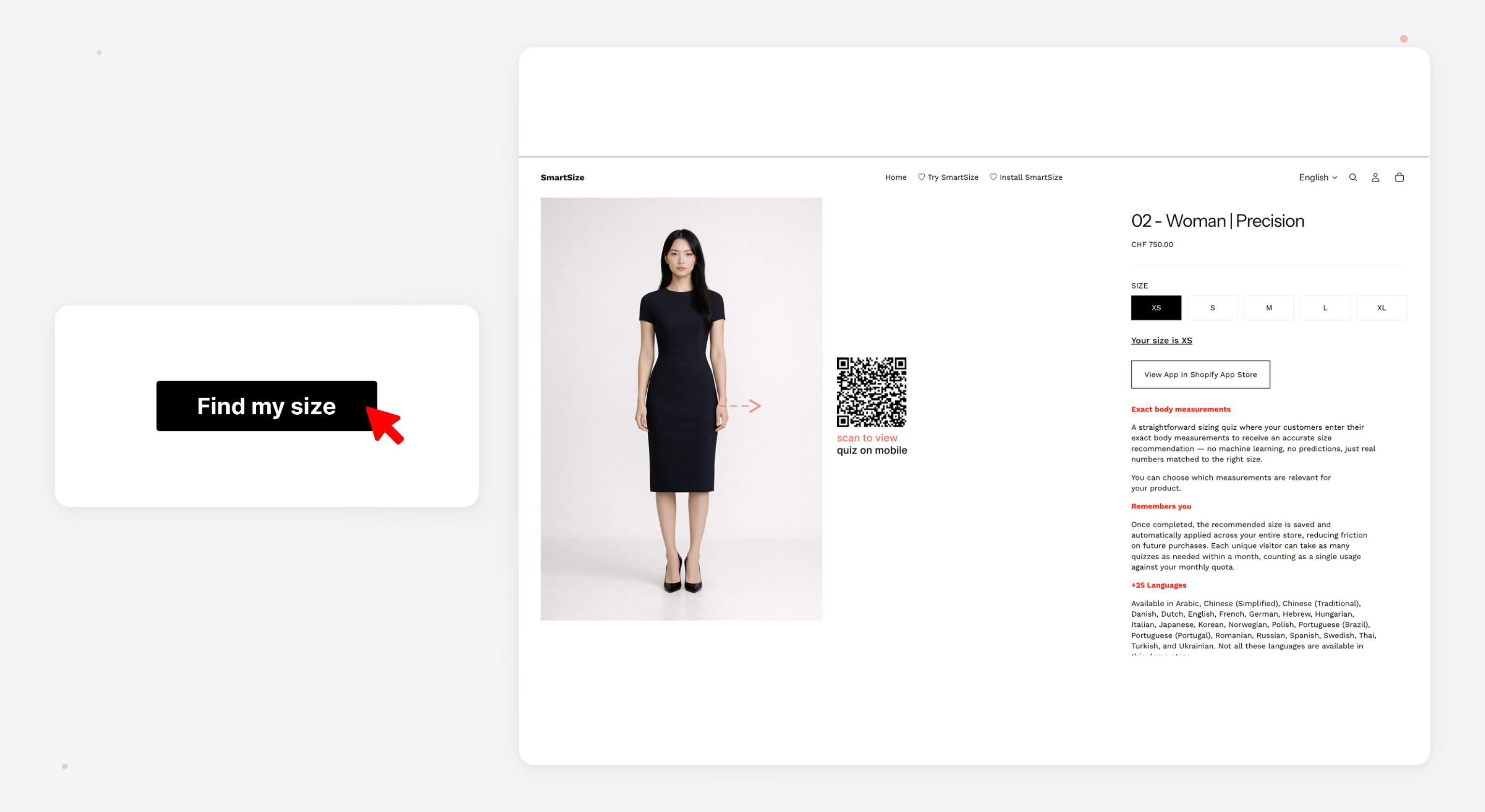
Install SmartSize from the Shopify App Store. Create a size chart, or let the AI extract one from an image. Link the chart to your products. Publish. The setup needs no developer, no theme editing, and no code snippets.
Zero theme conflicts
SmartSize runs inside a Shadow DOM. This is a sealed container that keeps our styles fully separate from your Shopify theme’s CSS. There are no styling conflicts and no broken layouts. It works on every theme.
Full control for power users
If you want deeper integration, SmartSize provides a JavaScript API. You can open the quiz from custom buttons, listen for recommendation events, and send data to your analytics. The default setup works for most stores. The API is there when you want more.
Pricing
We built the pricing for Shopify merchants who want to start small and grow. The Free plan includes 2 size charts. That is enough to set everything up and see results before you pay. Paid plans start at $9/month (Starter, 10 charts) and scale up to unlimited charts on Growth. The AI size quiz starts at Pro ($19/month, 100 monthly recommendations). Annual billing saves 20% on every paid plan. For example, Pro 100 drops to an effective $15.20/month, and higher tiers save even more. Every paid plan includes a 14-day free trial with full access and no restrictions.
The model is simple: a flat price with no overage charges, ever. On Pro tiers, the recommendation quota counts each shopper once per calendar month. Repeat visits by the same shopper do not use more quota, no matter how many products they browse.
You can always see your quota usage on the SmartSize home screen inside the app.
Try it free for 14 days
Start a free trial with full access to every feature, directly from the Shopify App Store. There are no restrictions and no credit card tricks. If SmartSize is not right for your store, cancel anytime.
 Try SmartSize for free
Want the full deep dive? Read our complete SmartSize guide. It covers every feature, quiz type, and integration option in detail.
Questions? Reach out at [email protected].
— Philip, co-founder of SmartSize